














Smart Click Automation for
Work, Gaming, and Repetitive Tasks

Mouse Clicker delivers fast, controlled, and repeatable mouse actions without manual effort.
Set exact click timing, choose where clicks happen, and start or stop instantly using your own controls.

No setup. No background services. Full user control.

100K+

Downloads

4.9

Rating

0%

Malware

Click Smarter - Not Harder

Automate repetitive actions in seconds with practical controls designed for real tasks.

Continuous Clicking

Run unlimited click sequences at fixed or custom intervals.

Exact Timing Control

Define delays down to precise values for consistent behavior.

Cursor or Fixed Position

Click at the live cursor location or lock to specific screen coordinates.

Hotkey Start & Stop

Launch or pause automation instantly using your own shortcut.

Lightweight Performance

No heavy CPU usage. No system slowdowns during long sessions.

Stable for Long Runs

Maintains click accuracy without drift or interruption.

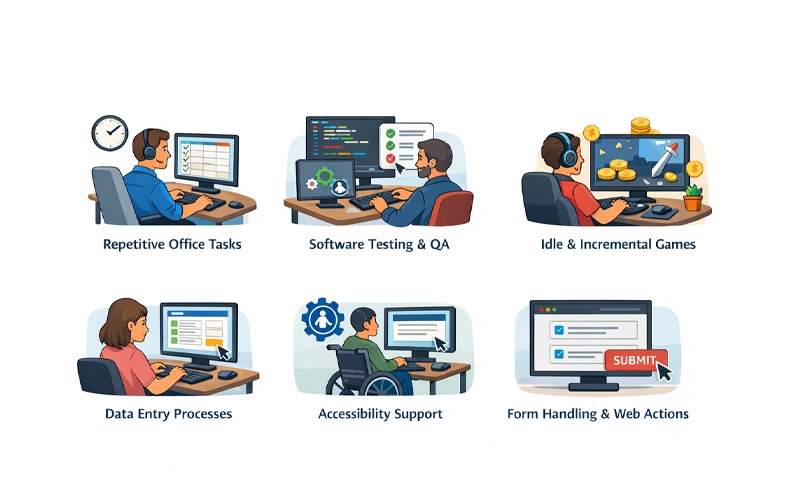
Built for Real Use Cases

From simple repetition to controlled workflows:

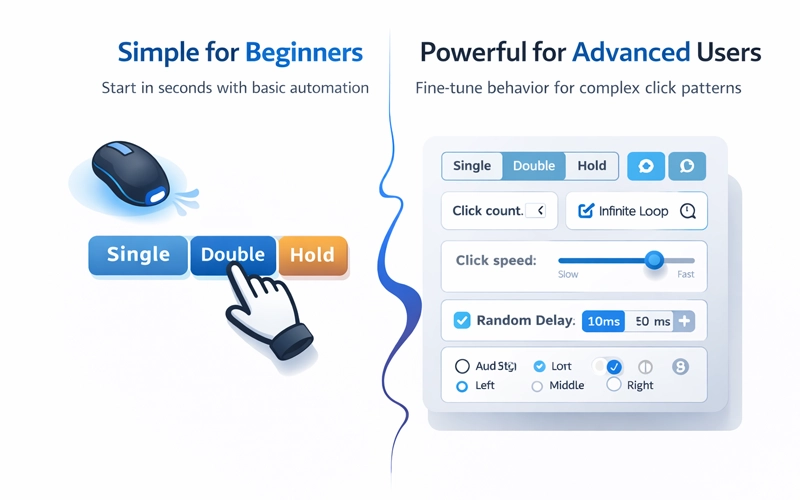
Simple for Beginners. Powerful for Advanced Users.

Start in seconds with basic automation or fine-tune behavior for complex click patterns.

Download Mouse Clicker for Your Platform

Direct access. No account required.

Window

Full-feature desktop automation with precise control.

Mac

Optimized for modern macOS environments.

Android

Touch automation for supported mobile workflows.

Linux

Lightweight build for performance-focused systems.

See Mouse Clicker in Action

Watch how controlled click automation performs in real time.

1

Downloads

 Get the standalone file and launch instantly.

2

Configure

 Set click interval, position, and execution mode.

3

Automate

 Start when needed. Stop immediately with your hotkey.

Frequently Asked Questions

Does Mouse Clicker run in the background?

No. It operates only while open and stops when closed.

Yes. Automation runs only when triggered by your hotkey.

All core features are available without payment.

No. It works as a standalone application.

 Yes. One command stops all actions immediately.

“I’ve tested several tools, but Mouse Clicker feels the most stable. No background processes, no hidden activity — just clean automation.”

Daniel Carter

“What I like about Mouse Clicker is the transparency. It only runs when I open it and stops immediately when I close it.”

Aisha Khan

“I needed a stable auto clicker for Roblox farming. This one maintains consistent CPS without slowing my system.”

Jason Miller
